 by
by Did you know that a single blank date on a new hire’s paperwork can cost your company over $2,700 in immediate federal fines? Have you ever lost a top tier candidate because the onboarding process dragged on for weeks?
If you manage a distributed workforce in 2026, you know these logistical nightmares intimately. Securing your sensitive documents and executing remote notarization for I-9 forms is your absolute best defense against federal audits and high employee turnover. You simply cannot afford to let messy email chains or unverified video calls handle your legal compliance.
This blog breaks down exactly how modern human resource teams use eNotary On Call to verify complex federal documents and securely notarize every employee non-disclosure agreement instantly with online notary Florida.
Moving forward, let’s quickly discuss!
What Is an I-9 Form and Why Do Audits Cost So Much?

When expanding a business across state lines, operations managers inevitably ask what is an I-9 form and why does the government track it so aggressively. The US citizenship and immigration services form I-9 is the mandatory federal record that United States employers use to verify the legal identity and work authorization of every single new hire.
Many companies completely underestimate the financial risk attached to a form I-9 document. An error on these files is no longer a minor clerical mistake. It is an immediate compliance liability.
Let us look at the real world data highlighting the true cost of poor onboarding compliance:
| Corporate Compliance Risk | Verified Financial and Operational Impact |
| First Offense Paperwork Fine | Fines range from $272 up to $2,701 per single document error. |
| Unlawful Employment Fine | Penalties reach up to $6,724 per worker for severe violations. |
| Remote Employee Turnover | Roughly 28% of remote workers quit within 90 days due to poor onboarding. |
| Average Replacement Cost | Replacing a frustrated remote employee costs companies an average of $4,700. |
A mid-sized company with a modest 10 percent error rate across their I-9 Forms could face tens of thousands of dollars in sudden regulatory penalties.
Also Read – Need a Notary on Sunday? Connect via eNotary On Call Fast
What Are the Exact Documentation Requirements?
To pass a federal audit, your team must ensure that the employees presents the correct documentation for I-9 form verification. The government divides acceptable documents into three specific lists.
Here is exactly what an authorized representative must review when inspecting the i-9 form 2025 edition:
- List A (Identity and Employment Authorization): U.S. Passport or Permanent Resident Card.
- List B (Identity Only): A state issued driver license or state ID card.
- List C (Employment Authorization Only): A Social Security Card or original birth certificate.
If an employee provides a List A document, you do not need anything else. If they lack a List A document, they must present one item from List B and one item from List C.
Verifying this complex documentation for I-9 form compliance is exactly why human resource teams rely on trained professionals.
Do I-9 Forms Require Notarization by Federal Law?
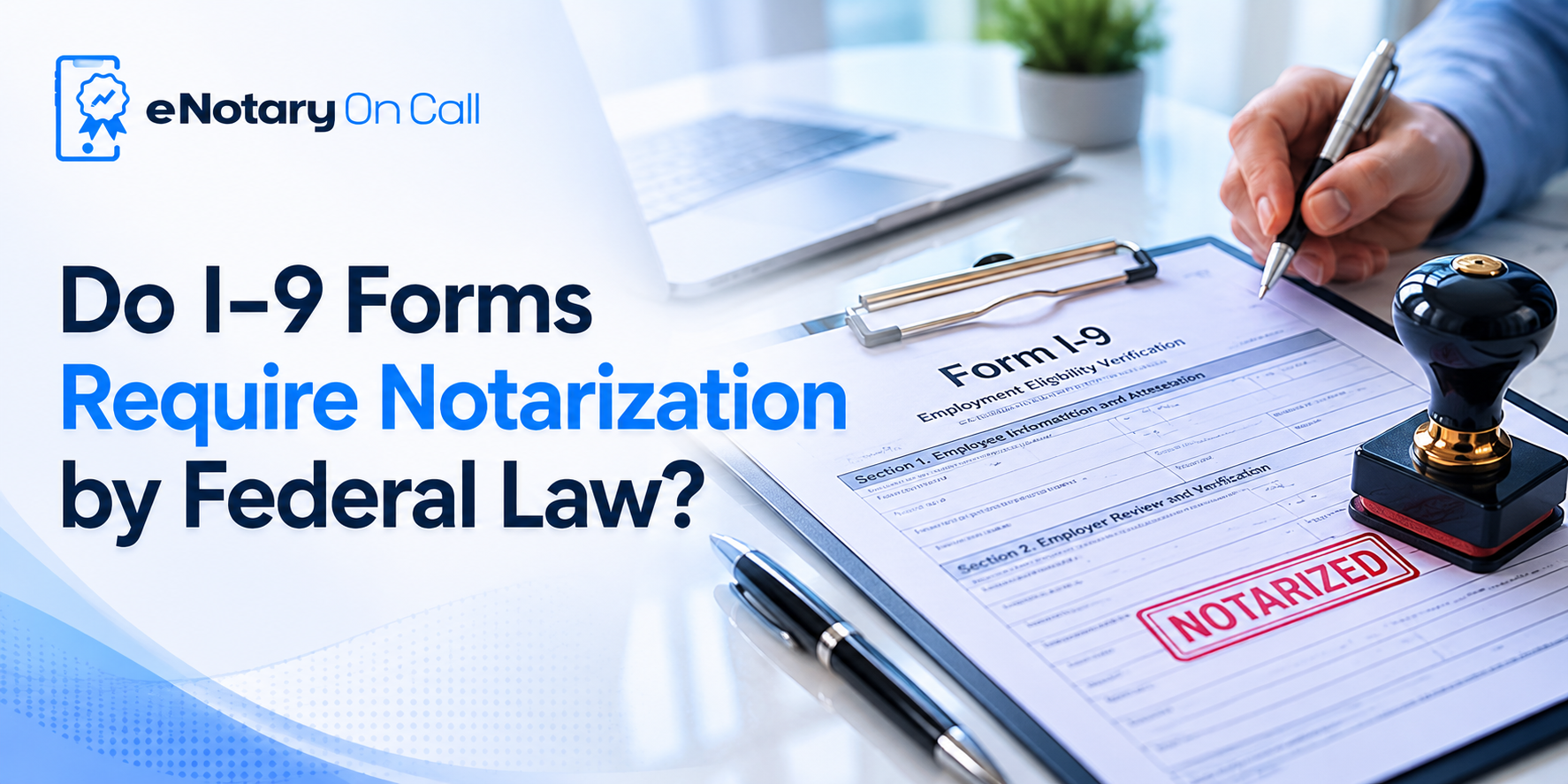
A very common question among compliance officers is: do i-9 forms require notarization with a traditional physical stamp? The short answer is no. Federal law does not mandate a physical notary seal on your standard employment verification papers.
However, immigration rules strictly require an authorized representative to physically examine the identification credentials presented by the worker.
Because your corporate HR team cannot realistically fly across the country to meet every remote hire, establishing a protocol for remote notarization for I-9 forms is the smartest business strategy.
When you use a secure digital platform, you officially delegate the identification review to a licensed expert. This digital process ensures your US citizenship and immigration services uscis form I-9 fully complies with federal standards.
Who Can Notarize I-9 Form as Your Representative?
When setting up your workflow, you must decide who can notarize I-9 form for your enterprise. The government allows employers to appoint any willing adult to act as an authorized representative. However, relying on untrained third parties is incredibly dangerous.
If your new hire asks a random neighbor to verify their passport, your company absorbs 100 percent of the legal liability for any mistakes on the form I-9 document. A state commissioned notary executes secure identity verification every single day. Using a trained professional guarantees that your team processes the i-9 form 2025 edition flawlessly.
Whether you utilize an online notary Florida agent for a southern hire or a regional expert in another state, trained specialists eliminate your administrative vulnerabilities.
Also Read – Biometric Analysis vs. Human Review: Why We Use Both?
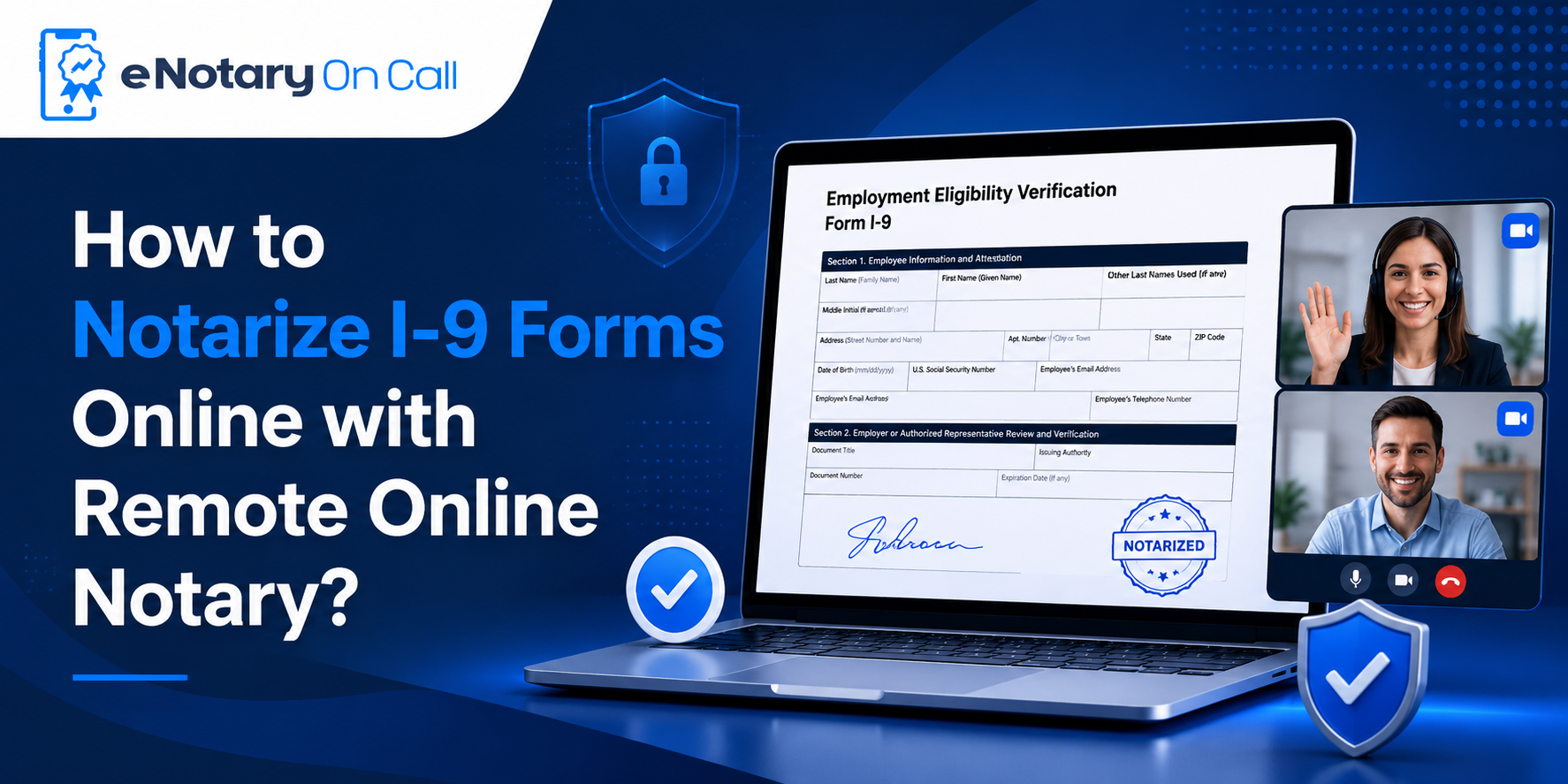
How to Notarize an I-9 Form on eNotary On Call?
We engineered our RON platform to remove the friction from remote onboarding. Our platform guides your human resources managers and your new employees through a secure, completely audit-ready process.
1. Verify Identity
Before the session begins, the new employee must confirm their identity. They upload photos of their government-issued physical identity credentials.
Our RON platform then runs advanced biometric analysis and facial geometry checks to verify the user and spot fraudulent activity instantly.
2. Upload the USCIS Form I-9
Once identity is verified, the document is added to the system. Your HR administrator logs into the secure eNotary On Call portal and uploads the official USCIS Form I-9.
The platform supports PDFs and images. Pre-filling the company employer text at this stage helps eliminate downstream data entry errors.
3. Connect with a Remote Online Notary
The user joins a secure live video session with a state-commissioned expert remote online notary who is available 24/7.
Acting as your authorized representative, the notary cross-checks the employee’s credentials live on camera to ensure total compliance.
4. Get Notarized and Store
The professional completes Section 2 digitally. The platform applies a seal to lock the data and make the document court-admissible.
You receive your fully executed document instantly in your inbox, while the finalized file and video journal are archived safely in your folder.
Also Read – How Can You Notarize Out-of-State Documents Online?
Why Choose eNotary On Call for Complete HR Compliance?
We are much more than a basic electronic signing application. eNotary On Call provides a robust, enterprise grade legal ecosystem designed to protect your brand value.
Look at how our modern digital infrastructure compares to traditional manual onboarding:
| Operational Metric | Traditional Manual Onboarding | eNotary On Call Digital Workflow |
| Verification Time | 3 to 7 business days | Under 15 minutes |
| Identity Security | Basic human eye check | AI driven security scanning |
| Audit Readiness | Messy physical filing cabinets | Encrypted storage logs |
| Document Security | Vulnerable to physical alteration | Locked by seals |
A versatile digital infrastructure also supports your workforce through major personal updates. If an employee relocates, they can quickly file an Affidavit of Residency on our platform to establish their new local address.
Having the capability to execute an Affidavit of Residency, process corporate I-9 Forms, and notarize affidavits online within the same secure environment helps streamline your entire corporate legal operations department.
Also Read – Instant vs Scheduled Remote Notary Near Me: Avoid Appointments
Conclusion
Relying on legacy paperwork methods for a modern, distributed workforce introduces completely unnecessary financial and operational risks.
By standardizing your corporate remote notarization for I-9 forms, you eliminate onboarding delays, protect your intellectual property, and secure flawless federal compliance records.
Stop letting manual identity verification steps delay your growth. Visit eNotary On Call today to establish a bulletproof, audit ready onboarding pipeline and welcome your next stellar hire with absolute operational confidence.
FAQs
1. Where can i get an I-9 form notarized without traveling?
Your remote hires never have to drive to a local retail store or a bank. They can complete the entire process from their home desk by logging into eNotary On Call. Our system connects them instantly with remote professionals who know exactly what an I-9 form is and how to finalize it securely.
2. Can a family member notarize an i-9 form for a remote new hire?
While federal regulations allow any authorized individual to perform the verification, corporate risk management teams strictly forbid using relatives. Using a family member to review the required documentation for I-9 form submissions creates an immediate conflict of interest and exposes your business to severe audit fines.
3. How do I ensure my HR team utilizes the correct i-9 form 2025 template?
Our comprehensive corporate dashboard allows your HR team to save the fully updated i-9 form 2025 edition as a master template. This setup prevents incoming workers from mistakenly using outdated or expired versions of the US citizenship and immigration services form I-9.
4. Are digital signatures on an electronic employee non disclosure agreement legally valid?
Yes. Digital signatures protected by cryptographic certificates carry the exact same legal weight as a handwritten ink signature. If you need to notarize power of attorney online or sign corporate contracts, federal laws ensure those digital signatures are fully binding.